
Youth
Baseball & Softball
Player Development Tracking
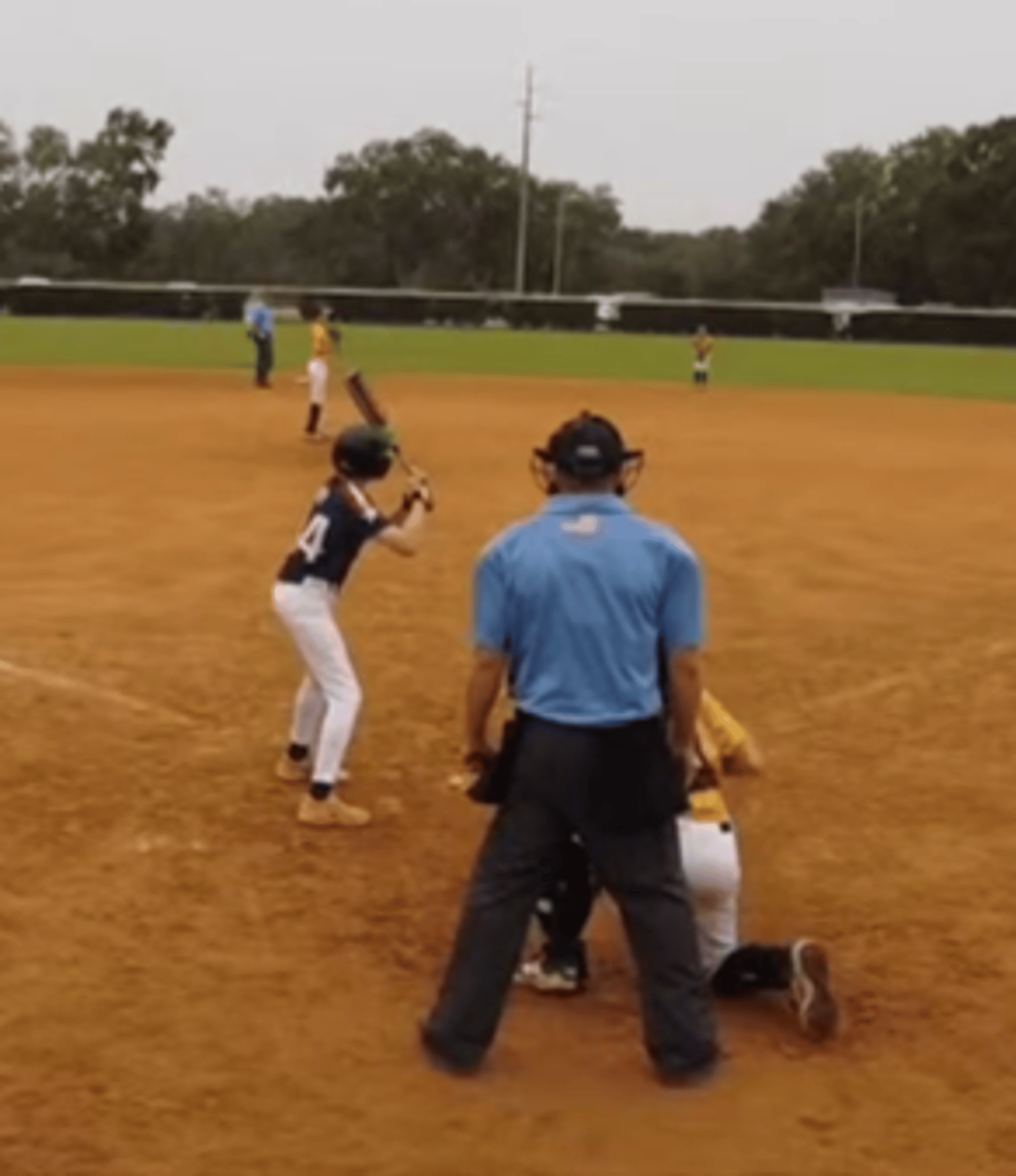
Playlytics helps coaches organize player observations, development notes, and team information in one place. Coaching still depends on judgment, experience, communication, and knowing your players. Playlytics does not replace that. It helps coaches keep the information they already track organized and easier to review over time. Take a look and tell us whether this would help your team. Live demonstrations are available.

4 Weeks Free Trial ; no credit card required
Parent, Coach, & Organization packages available
With Playlytics, coaches can:
- Organize player observations and development notes
- Track player progress over time
- Keep team and player information in one place
- Review fielding, throwing, hitting, pitching, and base running data
- Maintain team records, schedules, and game information
- Support more organized development conversations
- Prepare for individual performance reviews, team review, and future training plans
AnalysisWorks' Playlytics App gives coaches a structured way to collect, organize, and review team and player development information.
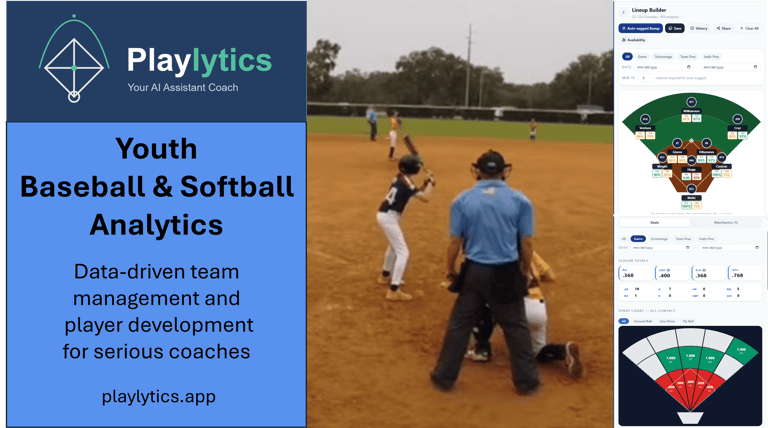
Designed for use on a phone or tablet, Playlytics helps coaches record player observations, collect team and player data, and review information across practices, games, tryouts, and training sessions. The app can support real-time entry during games and practices, or coaches can enter information later from notes or video review.
Playlytics provides visual dashboards and familiar baseball statistics for fielding, throwing, hitting, base running, and pitching. Coaches can review information for the full team or individual players, using data entered during games, practices, training sessions, or later review.
Coaches can use app analytics and their own observations to create training plans aligned with each player’s development goals.
Manage your Team and Players
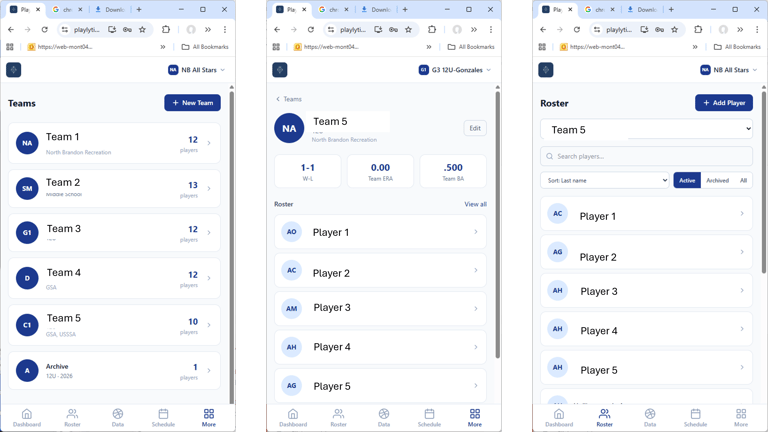
Team Dashboard to access all App Features
Log Game Data links to the data logging manager and provides additional links to score games and collect analytics live for games, team practices and individual training. There are separate forms for Fielding & Throwing, Hitting, Base Running, and Pitching. ONLY information input using these screens will be available for analysis.
Analytics links to dashboards and reports that provide visualizations and statistics for your team, players, and opposing teams. The analytics are based ONLY on data entered into the app. There are separate dashboards for Fielding, Throwing, Hitting, Running, and Pitching. Additionally, there are report formats that combine all available analytics into dashboards viewable only using a computer monitor.
Coach Notes and Lineup Builder help coaches organize observations, review available analytics, and prepare defensive or batting lineup ideas for coach review.
Training Plan links to customized observations and training objectives for your player. These are based upon AI analysis of player stats and your assessmkent of the player performance.
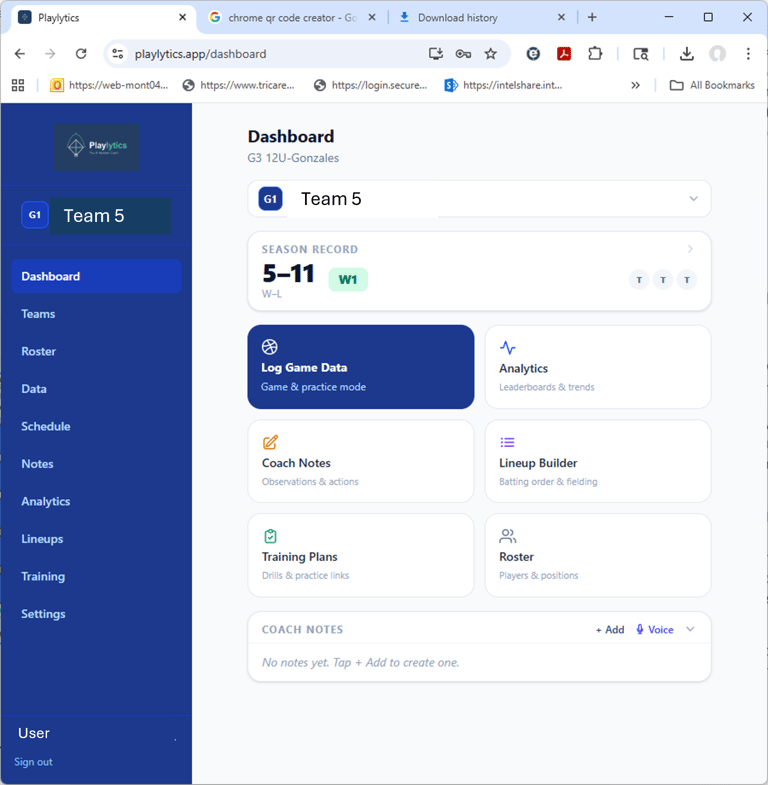
The Teams List is your gateway to all team management, data collection, analytics, and training plan features. You will either need to add your team to the app or request access to an existing team.
Clicking on a team name will take you to the main menu. The team you selected is the basis for filtering player information, ensuring that you only have access to your player(s) on your team(s). Likewise, the filter ensures that only approved users have access to your team and player data.
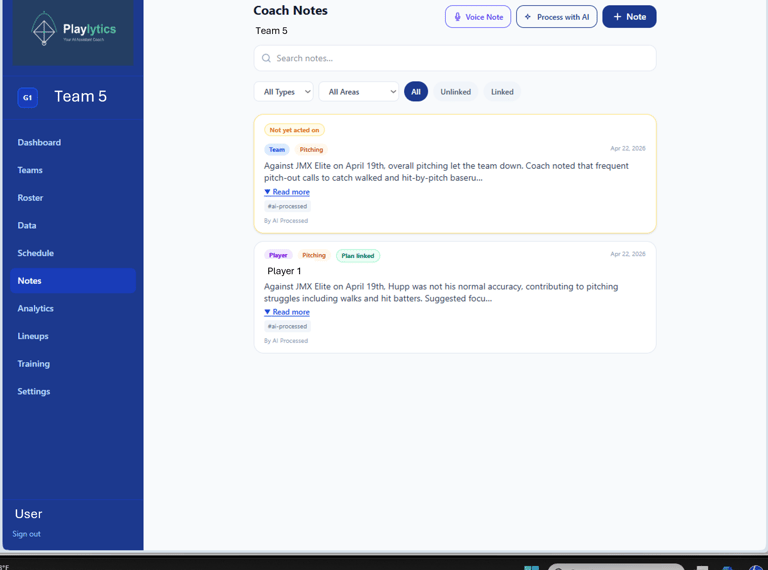
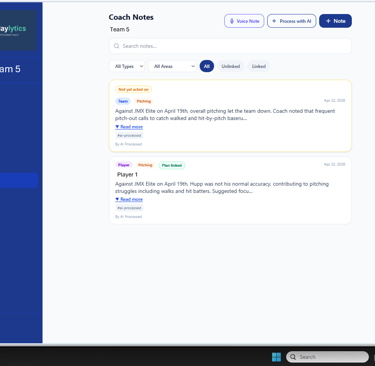
Record all of your team and player notes in one place.
Type your notes or enter them using the voice logging feature - no typing required.
Use the AI processing feature to organize, automatically categorize, look for patterns with previous notes, and directly create new training plans to address your observations.
Coach's Notes Features
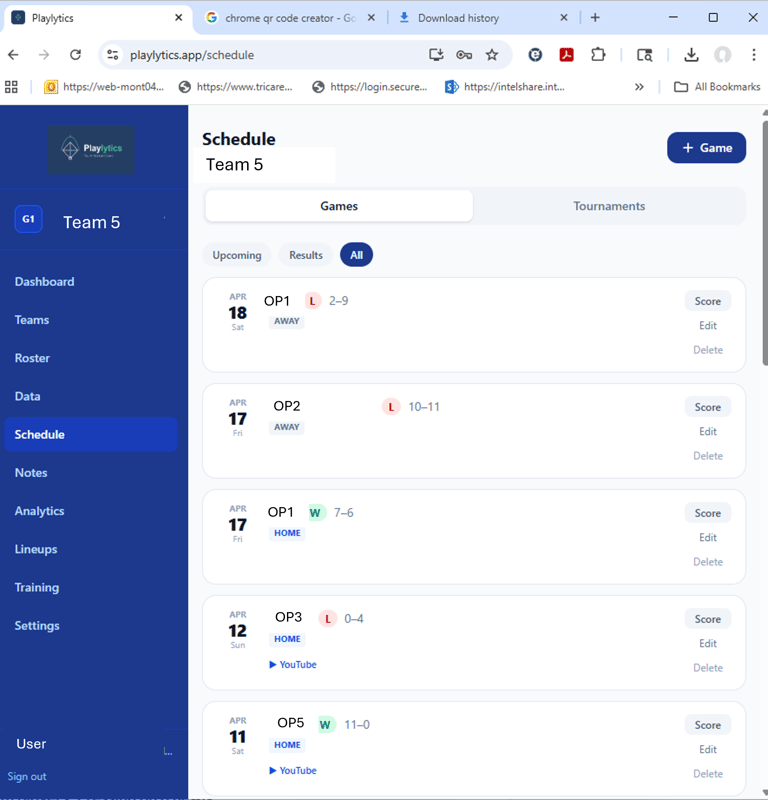
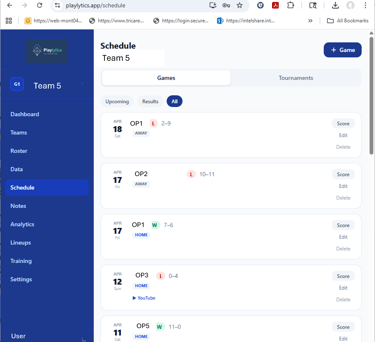
Maintain your teams' schedule and record. Create new tournaments and games. Pressing on a newly created game links you to a real-time form to score and collect stats for the game. The scout feature uses AI to create a scouting report for scheduled opponents - the more times you play a team the more detailed and useful the report becomes.
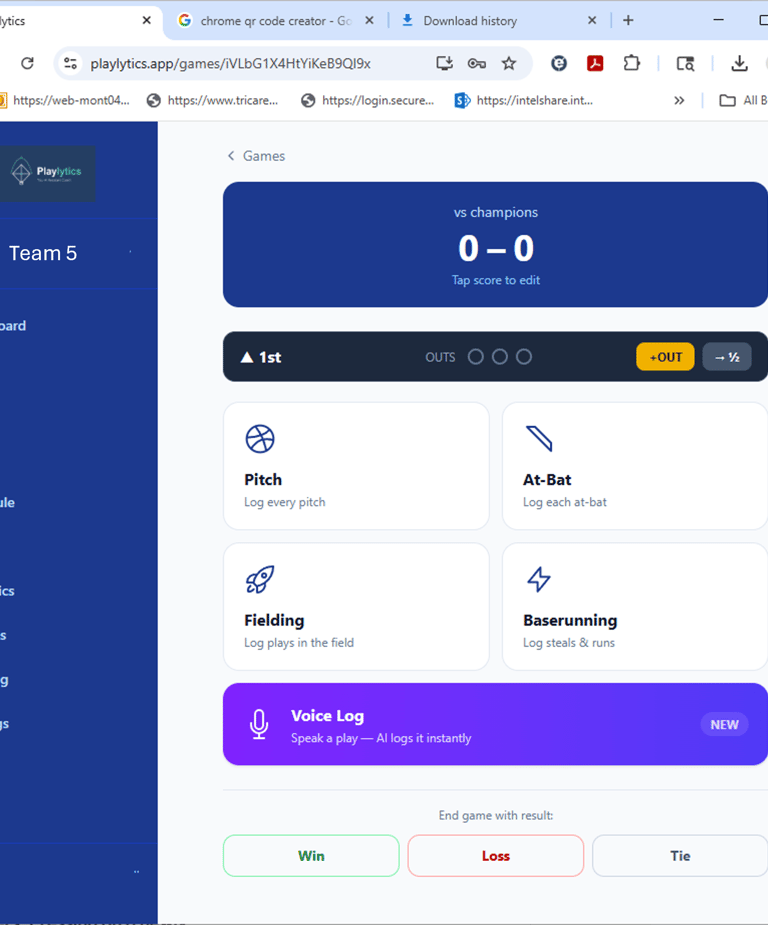
Import scores and stats from another game-time scoring app or use Playlytics to score the game real time. Buttons link you to forms for manually logging pitching, hitting, fielding and baserunning; capturing additional information to drive the app's advanced analytics. Voice log allows you to describe the action and AI will log your observations and automatically create stats & analytics.
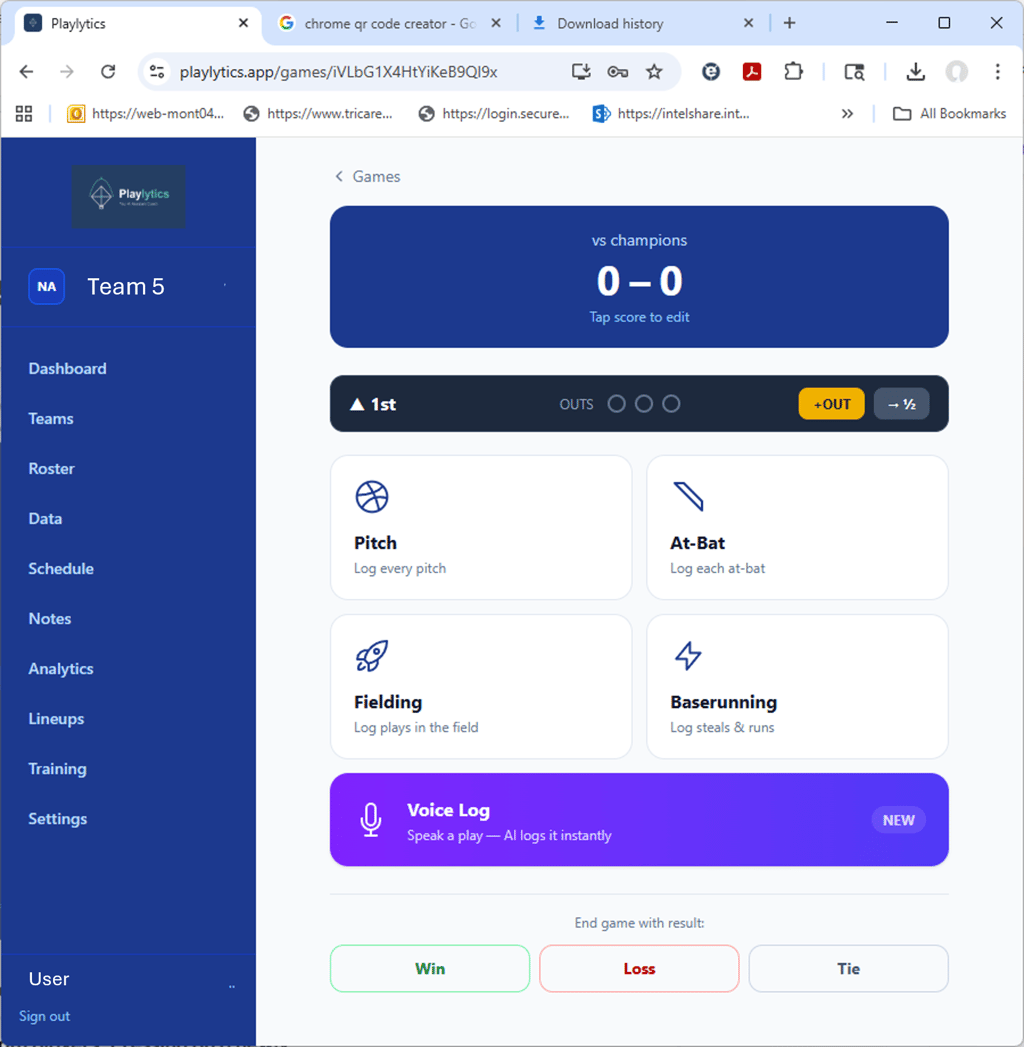
Schedule and Score Games
The Fielding Data Entry keypad allows you to collect fielding and throwing data real-time. You can collect data by player, by position played, and by type of hit to the player. You can record successful catches and throws as well as errors. Additional buttons allow you to track catches and errors during double plays (DP) and passed balls (PB) while catching. The keypad includes nine buttons in both the fielding and throwing sections that enable you to record the location of the ball for fielding and throwing errors to help identify trends for player development.
The analytics are provided on separate screens for fielding and throwing. Coaches can look at statistics for the entire team or individual players and you can filter the analytics by player, type hit, date, practice or game performance. Selecting the pie chart at any player location will activate a window that shows the location of the ball for all fielding and throwing errors.
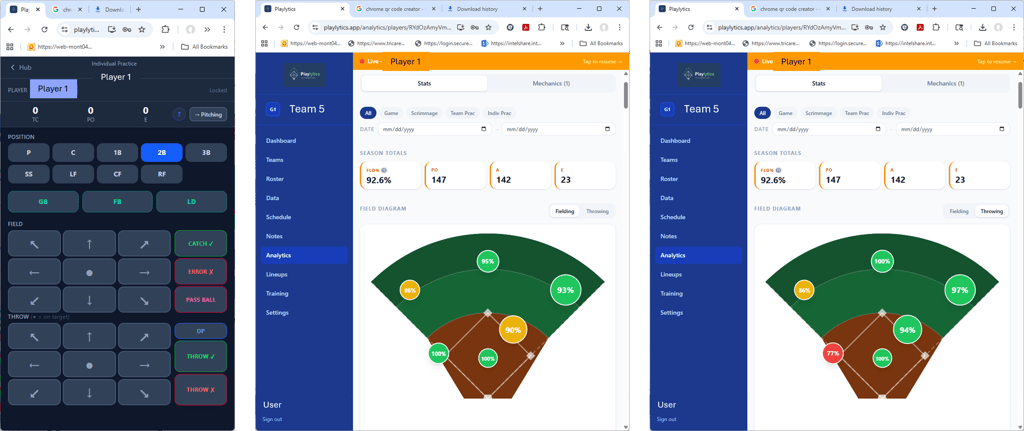
Fielding and Throwing App Features
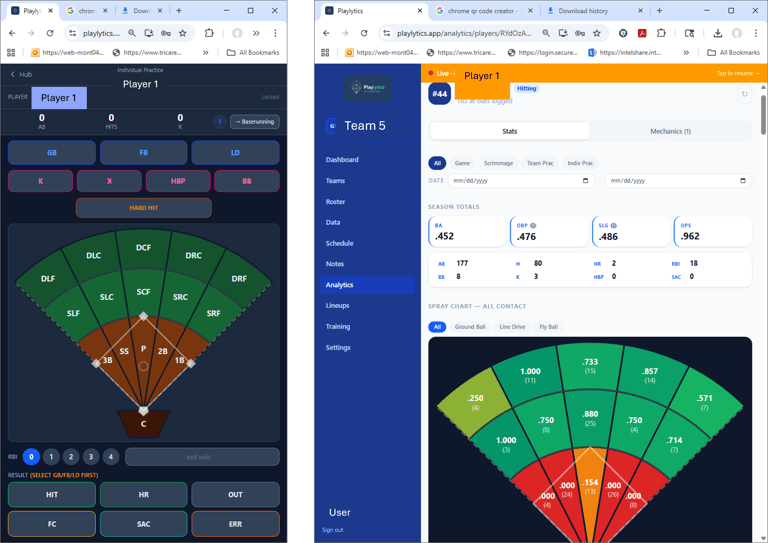
The Hitting Data Entry keypad allows you to capture hitting performance real-time. You can collect all the data necessary to provide your players with useful and popular hitting statistics to include hit location, type of hit, batting average, quality at bats, on base percentage, strike-out average, hard-hit-ball average, and exit velocity.
The analytics screen provides stunning visualization for hit locations by type of hit as well as all the key metrics necessary to track and develop your players.
Coaches can look at entire team or individual player stats and you can filter the analytics by player, date, and practice or game performance.
Hitting App Features
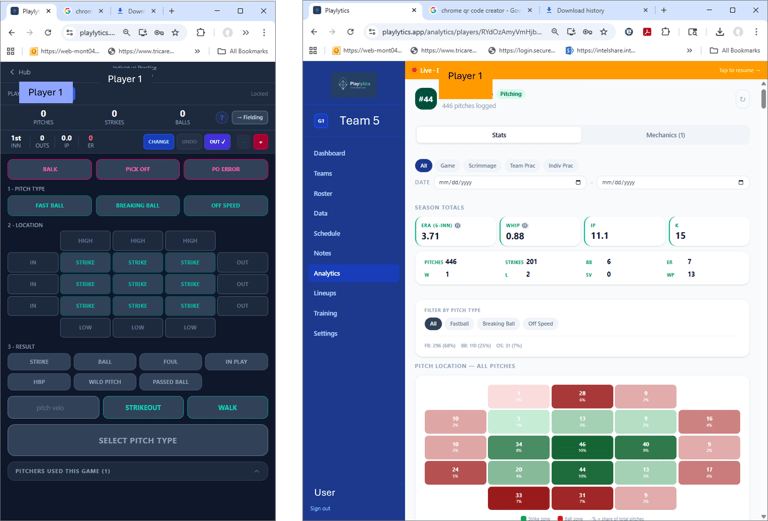
The Pitching Data Entry keypad allows you to record pitches real-time. Pitches are grouped as fast balls, breaking balls, and off-speed pitches. The strike zone is divided into nine areas to allow precision tracking of pitch location for more developed pitchers or simply use the center strike button for younger players.
The analytics screen provides real-time analytics allowing you to fully analyze pitcher performance battling base runners, as well as providing statistics on pitch speed, accuracy, and counts all by pitch type and location.
Coaches can look at entire team or individual player stats and you can filter the analytics by player, date, practice or game performance.
Pitching App Features
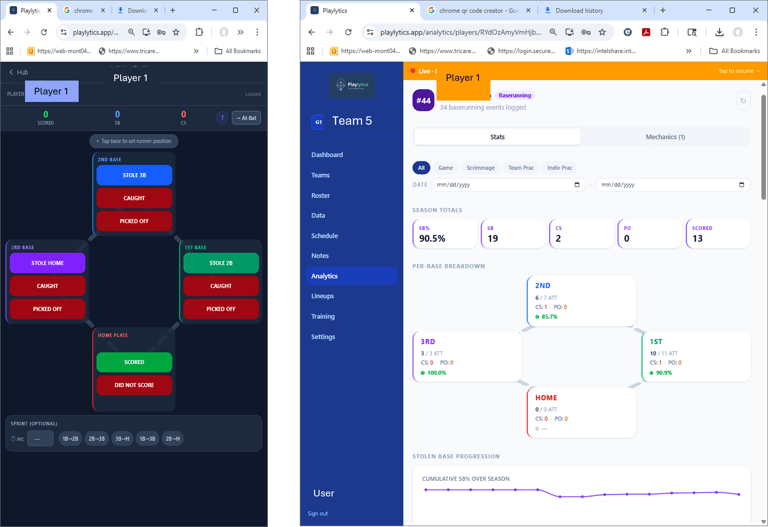
The Base Running keypad works while watching a game or practice and allows you to record steals after dropped third strike, steals/caught stealing, and pick-offs for each base, runs scored, as well as base running times for any number of bases you choose.
The analytics screen uses visualizations and statistics for number of steals, times caught stealing, pick-offs, runs scored and base running average time.
Coaches can look at entire team or individual player stats and you can filter the analytics by date, practice, or game performance.
Base Running App Features
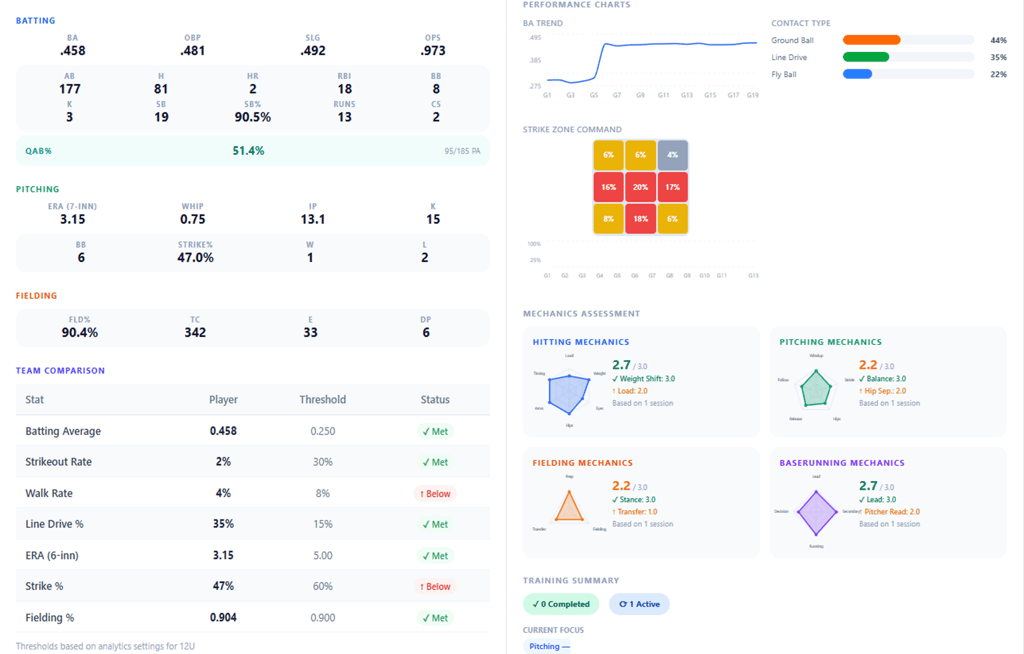
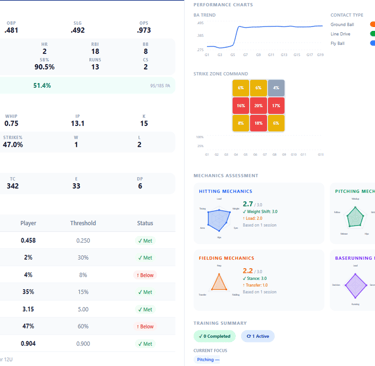
The mechanics section provides a visualization of your assessment of player mechanics for hitting, pitching, fielding & throwing, and base running. These coach assessment compliment player stats and help focus players on specific development areas and goals.
The team comparison section compares the player's stats against age / level appropriate, or coach designated, thresholds. Thresholds are established at team setup and can be customized at any time.
Comprehensive Team & Player Reports
The trends section brings key analytics onto one dashboard, providing a visualization of your team and player performance over a 3-month period. The report enables you to identify positive, neutral, and negative trends in your team and player performance.
The player report screen brings all your team and players’ analytics onto one dashboard, providing a comprehensive visualization of your team and player performance. The app allows you to see your player performance over any time frame you choose.
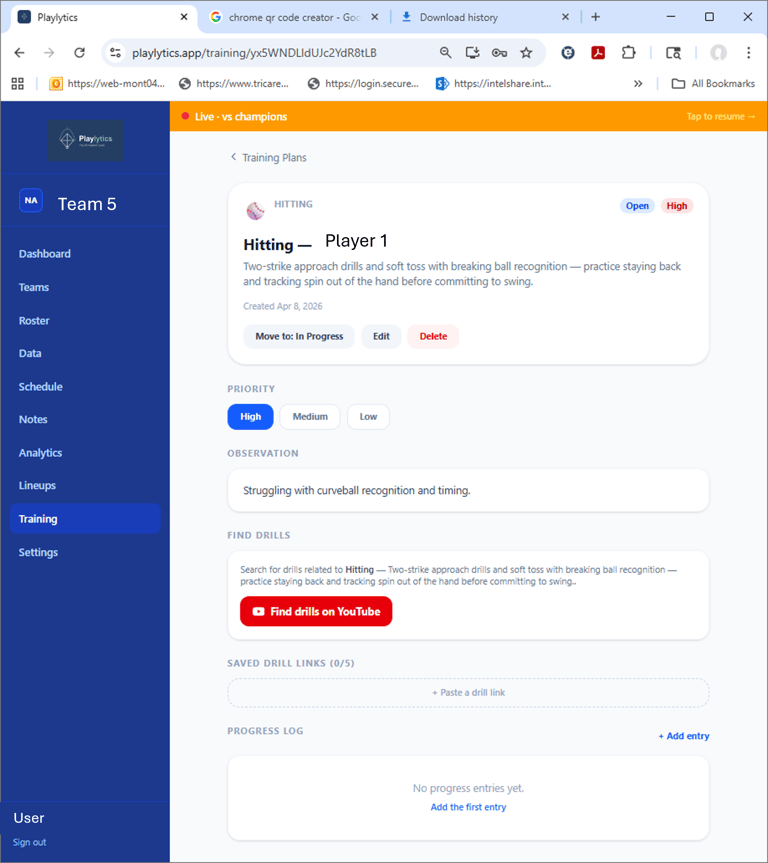
Based upon your team goals, analytics and direct observation you can create and manage individualized training plans to support each player’s development goals.
AI-supported tools can help summarize team and player data and suggest training-plan ideas for coach review.
Coaches can produce training reports that detail all active and completed training plans for their players and teams.
Player Training Plans & Reports
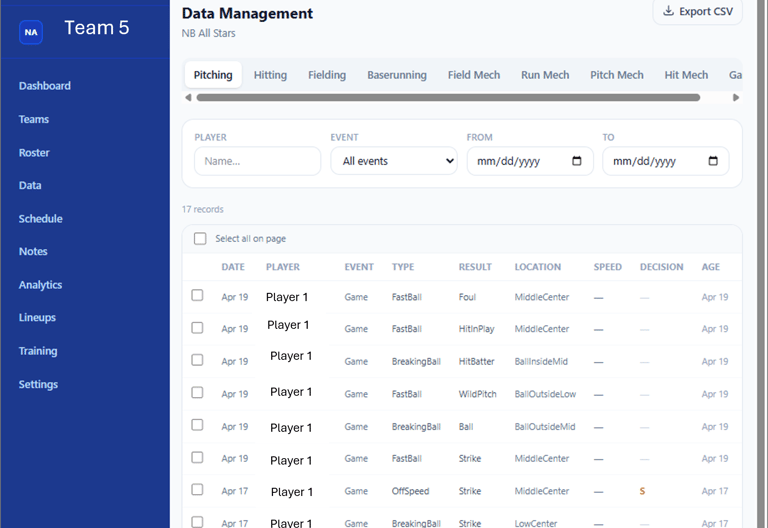
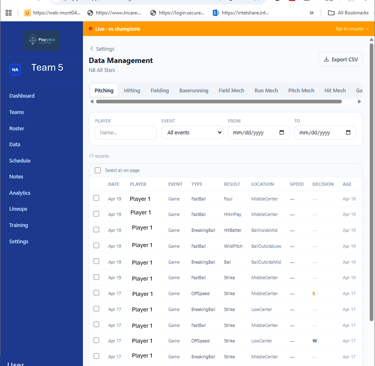
Manage all of your team, player, game, and performance records from the app. Add, update, and delete records easily. Built-in record control keeps a record of changes to help maintain data integrity.
Manage Your Data
Tutorials
Demonstrations for all Player Analytics App features.
Live demonstrations are available for coaches or organizations interested in seeing how Playlytics works. Feature tutorial videos are planned for a future release.